
Managing client projects and financials with disconnected tools causes wasted time and missed margins for professional services firms. Many PSA platforms lack transparent pricing, built-in compliance templates, or require complex setup for integrations and margin tracking. This comparison shows which alternative service automation software delivers the billing, planning, and margin controls your firm needs without slow deployments or unclear costs.
Table of Contents
- SOPMaster
- Scoro
- Teamwork.com
- Projectworks
- Topsail Professional Services Automation (PSA) Platform
- Comparison of alternatives
SOPMaster
At a Glance
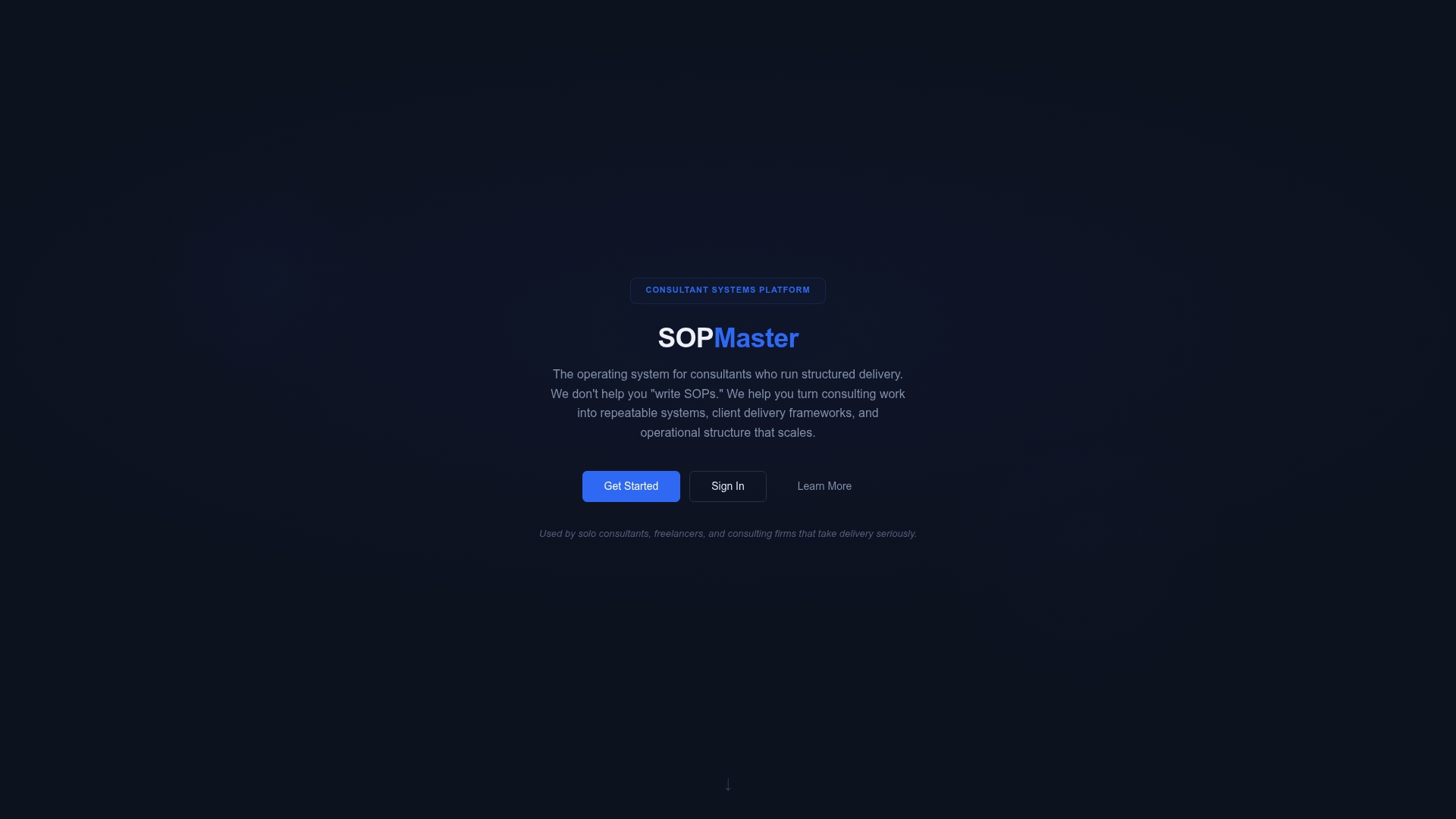
Plans start at £400/month for solo professionals and rise to £9,000/month for large firms. That pricing band signals a product built for firms that want to formalize delivery at scale. The platform emphasizes converting consulting work into reusable systems rather than storing isolated documents.
Core Features
SOPMaster captures real consulting processes and turns them into repeatable artifacts using the SOP Builder, Batch Generation, and Document Vault. The product includes a Checklist Builder and an extension for instant system capture that records workflows as they happen. Sector-specific compliance considerations are built into templates and outputs to keep client deliverables aligned with regulatory needs.
Key Differentiator
SOPMaster focuses on converting live consulting workflows into sellable operational systems rather than acting as a repository. That orientation means deliverables become repeatable products you can reuse across clients. The platform is organized around client delivery frameworks and internal process standardization, not only document storage.
Pros
The platform helps consulting teams establish repeatable delivery models and reduces variation in client work. It supports consultancies of all sizes, from solo consultants to larger teams, which makes ramping new staff and handing off projects easier. Built-in compliance templates plus the instant capture tools keep outputs consistent with sector requirements and speed up the creation of client-ready frameworks.
Cons
- Pricing may be high for solo consultants or small firms on a tight budget.
Who It's For
Consultants and consulting firms that prioritize structured, repeatable processes will get the most from SOPMaster. Solo practitioners who plan to productize services and small firms preparing to scale will also find the feature set relevant. Organizations that run heavily bespoke, manual workflows may not find the fit as strong.
Unique Value Proposition
Batch Generation combined with the Document Vault lets teams produce client-ready frameworks from a captured workflow quickly. That single capability converts captured steps into billable templates and reuseable client materials. As a result, teams reduce the time required to prepare repeat engagements and maintain consistent delivery quality.
Real World Use Case
A medium-sized consulting firm standardizes onboarding, project execution, and compliance documentation across multiple teams using SOPMaster. The firm captures best-practice steps with the extension, generates the client documents in batches, and stores them in the Document Vault. That process keeps delivery consistent while the firm scales its client roster without losing process control.
Pricing
Pricing is organized by organization size, with plans reportedly starting at £400/month for solo professionals and going up to £9,000/month for large firms. Detailed plan features and tiered rates are available on the vendor site for each organization size. Prospective buyers should review the plan breakdown to confirm which features match their delivery needs.
Website: https://sopmaster.tech
Scoro
At a Glance
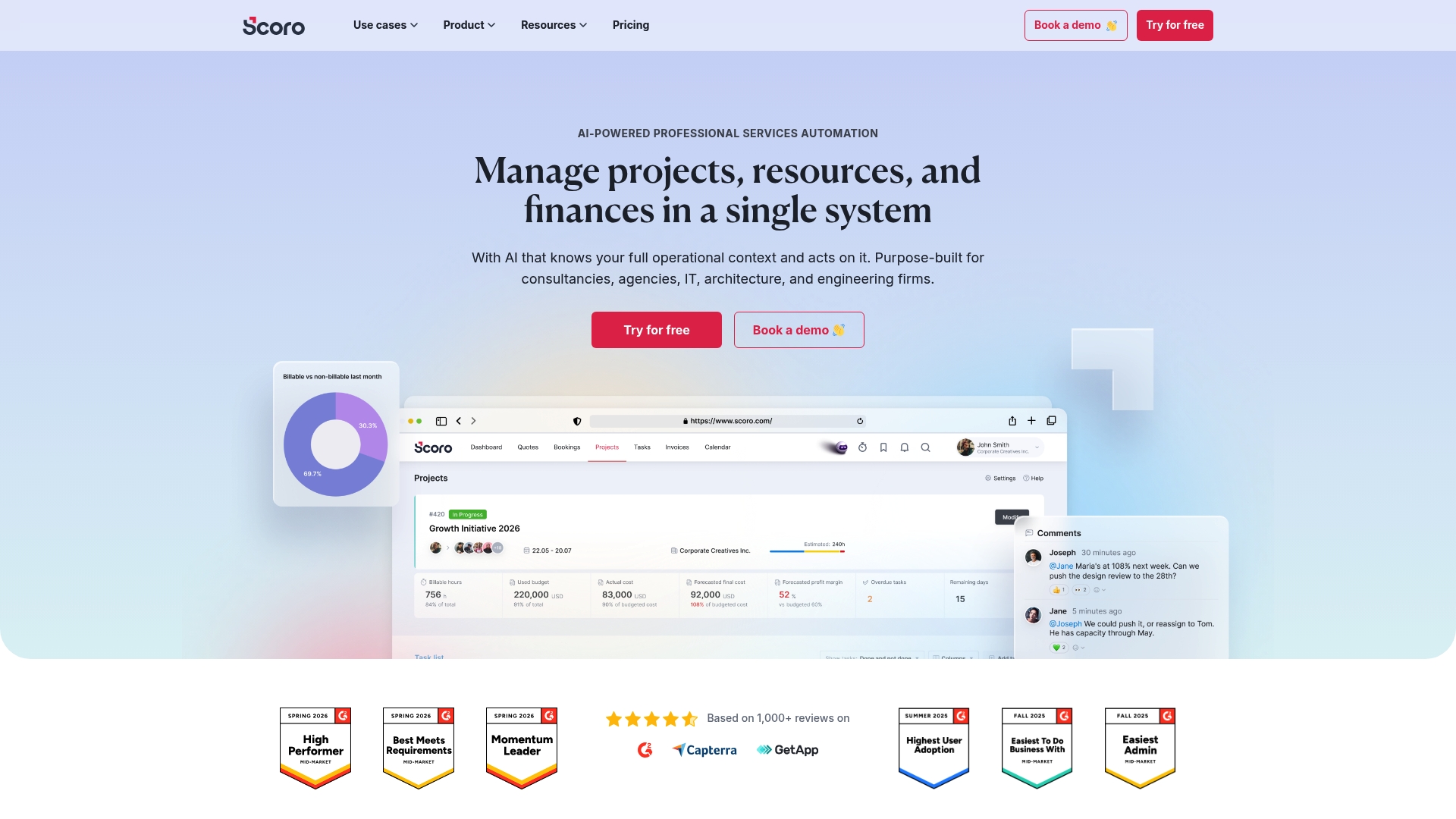
Scoro reports it is trusted by over 1,000 professional services companies worldwide. The platform pairs deep financial reporting with an AI assistant called ELI to help firms analyze margins and forecasts. It targets consultancies, agencies, and engineering teams that want project, resource, and finance data together in a single operational view.
Core Features
Scoro handles project lifecycle tasks from scope estimation to invoicing and includes resource planning and forecasting tools. The platform exposes profitability analysis at the client, project, and team level while supporting advanced quoting with cost and margin visibility. An AI companion, ELI, helps surface insights in complex financial and project datasets so teams can act faster.
Key Differentiator
The standout is Scoro's focus on financial clarity for services firms. Profitability analysis is built into project and resource views so cost and margin data stay visible across workflows. Combined with ELI, that pairing shifts the platform toward finance-driven operations rather than pure task tracking.
Pros
Scoro gives consultancies practical tools for tracking profit by client and project, which helps you protect margins. The interface is modern and user friendly, so adoption tends to be faster than older PSA interfaces. The vendor highlights its AI assistant, ELI, which helps surface trends and automate routine data tasks.
Cons
- Trustpilot reviews indicate some users find the extensive feature set complex. This can raise the learning curve for teams with limited product management capacity.
- Less technical staff may need time to master Scoro’s financial dashboards and profit reporting. Training or an internal champion often shortens that ramp.
- Trustpilot reviews often mention the integration and setup process can be time consuming for larger teams. Larger deployments may require dedicated support or technical resources.
When It May Not Fit
Very small teams that do not need integrated financial and project management will likely find Scoro feature heavy. Organizations with minimal internal IT support may struggle with customizations and complex integrations. Firms that prefer a lightweight task board instead of embedded finance tools should look elsewhere.
Notable Integrations
- Google Calendar
- Microsoft Exchange
- Xero
- QuickBooks
- Sage Intacct
- Stripe
- Jira
- Expensify
Who It's For
Scoro fits mid sized professional and creative services firms that must unite project delivery with billing and finance. It serves agencies and consultancies that need visibility into margins and resource costs across clients. Teams that plan to invest in a single operational platform will get the most value.
Real World Use Case
A marketing agency consolidates client data, manages project tasks, and tracks profitability in Scoro. Project managers use resource forecasts to staff campaigns accurately and sales teams generate quotes with clear margin figures. That single system handles invoicing so the finance team closes periods faster.
Pricing
Pricing starts from $19.90 per user per month and scales by tier for growth, performance, and enterprise needs. The vendor offers tiered plans to match expanding feature and support requirements. Larger firms should budget for implementation and possible technical support during rollout.
Website: https://scoro.com
Teamwork.com
At a Glance
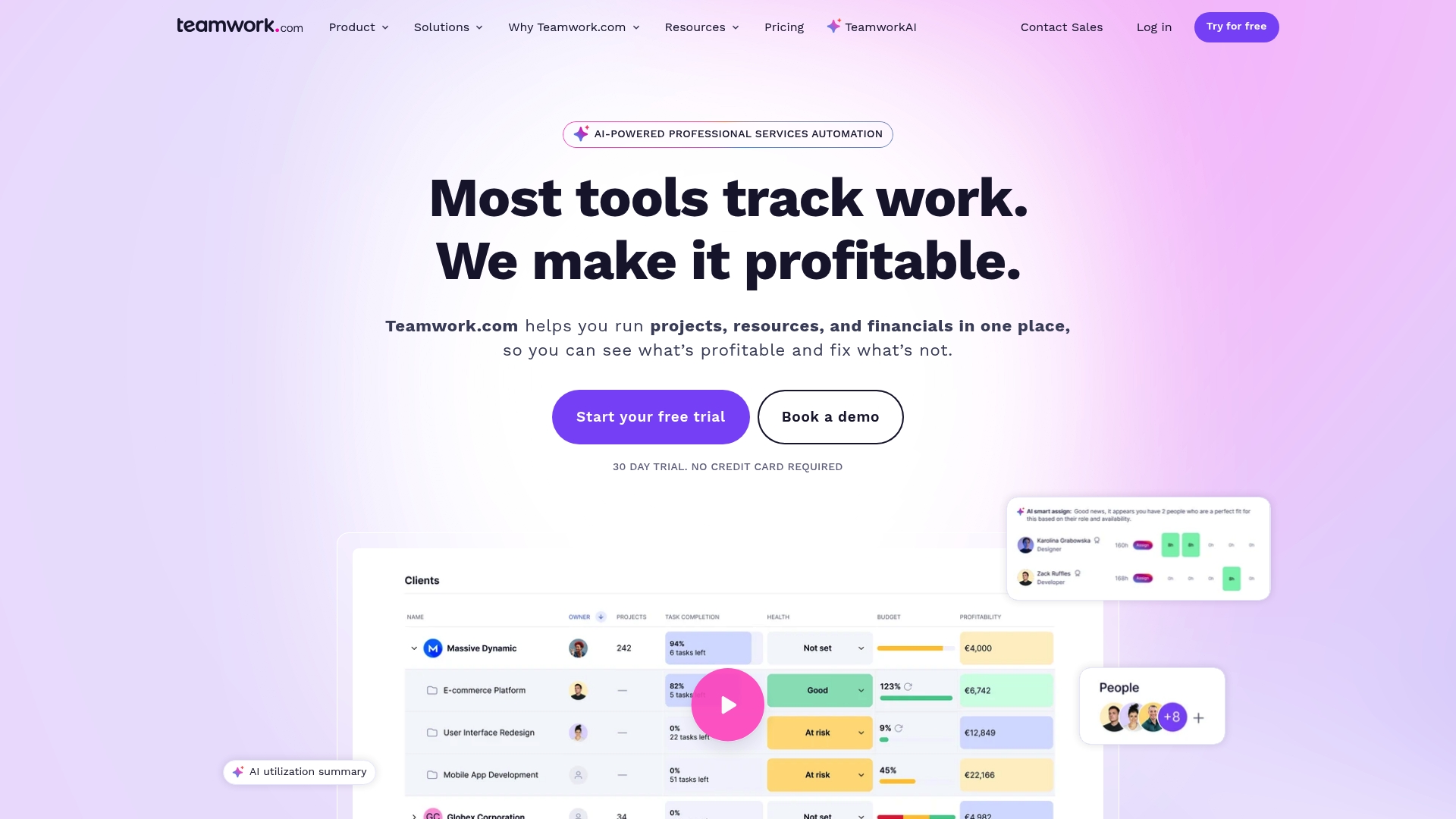
AI features assist project setup, resource allocation, and profitability analysis for client work. The platform targets service teams that manage multiple clients and projects. It combines task and milestone tracking with client review tools to keep client-facing work organized.
Core Features
Teamwork.com supports project planning with intake forms that capture client requests and translate them into tasks. It tracks milestones and tasks across Gantt and Kanban views while offering capacity planning and long term forecasting for resource management. The platform also unifies support tickets with Desk, automates repetitive actions, and collects client feedback through Proofs.
Key Differentiator
Designed specifically for client-focused service teams, Teamwork.com pairs project and resource management with AI-assisted setup and profitability tools. That combination aims to reduce setup time and highlight where projects will make or lose money.
Pros
Teamwork.com lists connectors to many popular tools, which helps teams keep billing and CRM data aligned with projects. Its resource and capacity planning tools let managers project staffing needs over months. Multiple view options give teams visual flexibility for planning and delivery, and the vendor advertises AI features that assist in resourcing and profitability checks.
Cons
- Pricing details for higher tiers are available only upon request. That may complicate budgeting for very small teams or startups.
- Some third-party reviewers report a learning curve for new users. Admin setup may take extra time for teams new to formal resource planning.
- Advanced enterprise customization and security often require additional setup and vendor support. That adds time before the tools work exactly as wanted.
When It May Not Fit
Teams that need simple, low cost project tracking for just a handful of staff will likely find the platform heavier than they need. Organizations that cannot commit to vendor-assisted setup may struggle with advanced customization. Very small agencies on tight budgets may prefer a tool with fully transparent low-cost tiers.
Notable Integrations
- Slack
- QuickBooks
- HubSpot
- Salesforce
- Google Drive
- Microsoft Office
- Harvest
Who It's For
Service based teams such as marketing agencies, consulting firms, and professional services firms that manage multiple client engagements will get the most from Teamwork.com. Project managers who must balance utilization, delivery dates, and client reviews will find the platform useful. Teams that require built in billing or CRM links will appreciate the integration set.
Real World Use Case
A mid sized marketing agency uses Teamwork.com to run concurrent client campaigns. The agency collects briefs through intake forms, assigns tasks to specialists, forecasts capacity for the next quarter, and tracks campaign profitability. Proofs handle client creative review while integrations push time and billing data into accounting.
Pricing
Teamwork.com offers a free tier and paid plans. Pricing lists Free, Basics from $9.99/user/month, Accelerate from $24.99/user/month, and customized plans for Optimize and Enterprise tiers.
Website: https://teamwork.com
Projectworks
At a Glance
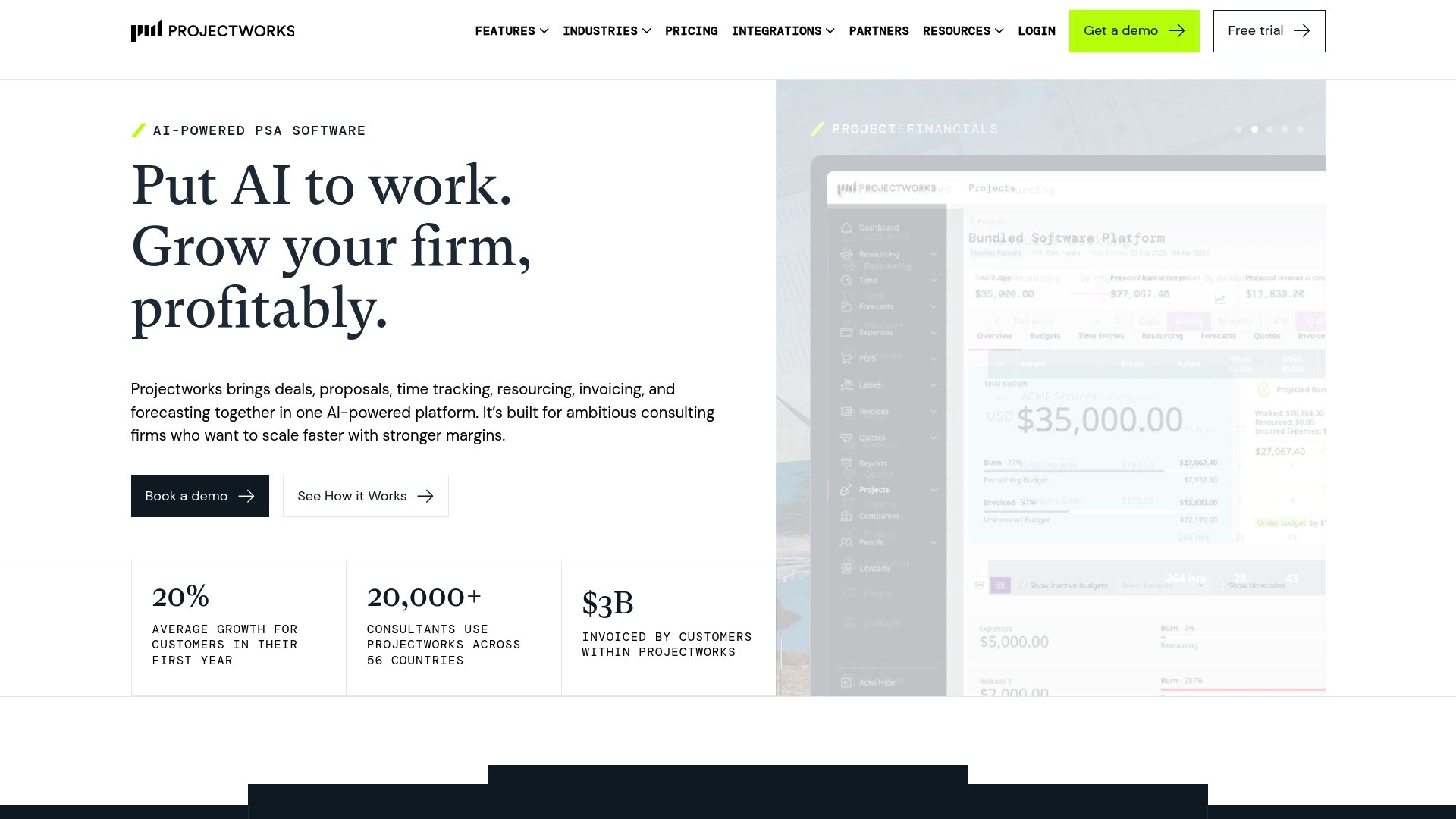
Projectworks reports over 20,000 consultants across 56 countries. The platform bundles deal management, proposals, time tracking, resourcing, invoicing, and financial reporting in one system. Its AI powered tools target faster proposals and reduced admin for professional services firms.
Core Features
Projectworks centralizes project financials and capacity planning while linking time and expense capture to billing. The platform includes AI driven deal and proposal management, resource planning, and automated invoicing that connects to major accounting systems. It also delivers real time margin reporting replacing spreadsheet work.
Key Differentiator
Projectworks focuses exclusively on consulting and professional services firms and builds AI features into proposal and administrative workflows. That narrow focus means the product aligns data models to services billing, capacity planning, and margin analysis rather than general project boards.
Pros
The product provides an all in one platform tailored to consulting workflows, reducing the number of separate tools a firm must operate. Its AI features help speed proposal writing and cut routine admin time, which frees senior staff to work on client delivery. Integrations with leading accounting and project systems make it easier to move invoices and financials between systems without manual exports.
Cons
- Some users report the product feels complex at first and the feature set can overwhelm smaller teams.
- Implementation speed varies with existing systems and firm size, and customization can require vendor support.
- Pricing is available on request, which may make budget comparisons harder for smaller practices.
When It May Not Fit
Very small firms or solo consultants that need a lightweight, low cost tool will likely find Projectworks too broad. Teams that lack internal IT or integration support may face extended setup times. Firms that want simple, out of the box kanban boards rather than financial controls will not get value from the finance features.
Notable Integrations
Projectworks integrates with accounting and CRM systems such as Xero, QuickBooks, and MYOB. It also connects to HubSpot, Salesforce, Jira, Azure DevOps, and BambooHR to sync deals, projects, and people data.
Who It's For
Mid to large sized consulting and professional services firms aiming to scale operations with automation and real time financial control. Firms that bill by project or by time and need tighter margin tracking will benefit most. Organizations with existing accounting systems and integration resources will see the fastest returns.
Real World Use Case
According to the company, one management consulting firm used Projectworks to speed proposals, connect invoicing to accounting, and get real time margin visibility, and that led to 20% growth in the first year. The firm reduced billing cycles by connecting time entries to automated invoices. Projectworks also helped allocate staff to projects based on capacity rather than guesswork.
Pricing
Pricing is provided on request through sales and tailored to firm size and configuration. Prospective buyers must contact Projectworks for detailed tiering and implementation fees.
Website: https://projectworks.com
Topsail Professional Services Automation (PSA) Platform
At a Glance
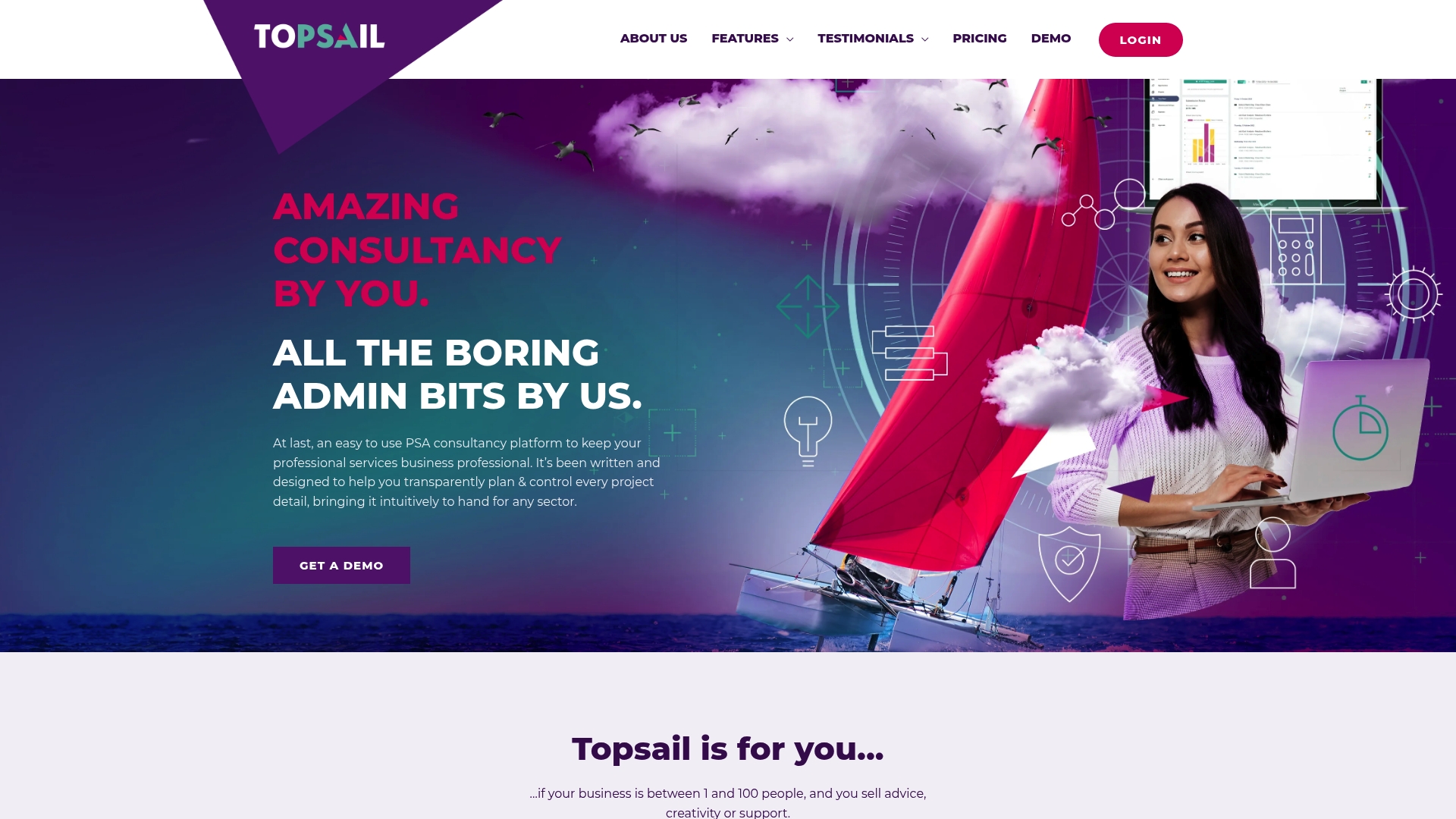
Teams of 1 to 100 people are the primary focus for Topsail. The product bundles timesheet and expense tracking with project and resource modules and live profitability dashboards. That combination gives small professional services teams clear margin visibility while keeping the interface simple and approachable.
Core Features
The platform combines Timesheets & Expenses with project and opportunity tracking so firms can record billable time, costs, and progress in one place. It includes business administration and resource planning capabilities paired with profitability and KPIs dashboards for financial oversight. Resource utilization and capacity planning tools highlight staffing pressure points and help balance workload across projects.
Key Differentiator
Topsail targets professional services firms specifically and centers on transparency and simplicity in project control within a single platform. The vendor positions its interface for advisory, creative, and support teams that need fast access to project financials. That focus reduces configuration overhead for small to medium firms compared with broader enterprise tools.
Pros
The interface feels intuitive and lowers the learning curve for teams new to PSA tools. Real time project profitability and KPI dashboards let you spot margin erosion quickly and prioritize corrective actions. Billing and invoicing flows reduce manual errors, and the vendor advertises a strong onboarding and support experience that helps teams get running fast.
Cons
-
Limited public detail about integrations with common accounting or CRM systems makes it unclear how it will fit existing stacks.
-
Pricing may require a sales conversation for teams larger than 50, which can slow procurement for growing firms.
-
The feature set may be simplified for very complex matrix organizations that need deep hierarchy and permissions.
When It May Not Fit
If your firm depends on specific accounting automation or a particular CRM integration, Topsail may leave gaps because integration details are limited. Large enterprises with layered approvals and complex cost allocations will likely find the permissions model too basic. Firms that need heavy customization for unique billing models should consider a more configurable PSA.
Who It's For
Small to medium professional services firms in advisory, creative, or support sectors will find Topsail aligned with their needs. Teams with 1 to 100 staff who want clear visibility into project finances and resource load will benefit most. Firms that want a single platform without steep configuration work will see the fastest gains.
Real World Use Case
A consultancy startup uses Topsail to capture billable hours and client expenses per engagement. The team tracks resource assignments and watches project profitability on the KPI dashboards each week. That process cuts invoice discrepancies and reduces time spent on administrative reconciliation.
Pricing
The vendor lists pricing as £25 User/Month with unlimited users included and charges are based on active users each month. Volume discounts are available for teams over 50, and larger deployments typically require a sales conversation.
Website: https://topsailpsa.com
Comparison of alternatives
Service-based organizations must weigh their business goals when evaluating alternatives to professional services automation software, seeking that best aligns with their operational needs and priorities.
Balance of Features Across Providers
SOPMaster demonstrates its value by enabling organizations to capture work processes efficiently and transform them into reusable client frameworks. In comparison, Scoro excels in financial management, providing crucial insights into margins and profitability via centralized financial data. While Projectworks offers broader consulting features, its complexity may inhibit organizations with limited technical resources.
Pricing and Deployment Models
Topsail PSA provides straightforward per-user pricing with features that benefit smaller teams, while Scoro and Teamwork.com offer a tier-based cost structure to scale with different-sized organizations. With SOPMaster operating at higher price points, businesses must balance cost against tailored, advanced functionality for consulting standardization and delivery frameworks.
Best fit
- Teams aiming to create efficient, repeatable client delivery systems favoring structured workflows will excel with SOPMaster.
- Firms prioritizing financial clarity and profitability reporting at granular levels should consider adopting Scoro.
- Small organizations seeking affordability with intuitive usage will find Topsail PSA suitable.
- Consulting firms requiring a feature set for project-specific financial control can benefit from Projectworks.
Our pick
For consulting firms aspiring to deliver standardized, client-ready frameworks swiftly, SOPMaster stands out as a top choice. Its Batch Generation capability allows conversion from design to deliverable efficiently. However, businesses lacking a focus on workflow standardization might consider Scoro for advanced financial oversight or Topsail PSA for simpler team operations.
Firms delivering scalable, repeatable consulting work will appreciate platforms best suited for their operational needs.
| Product | Key Differentiator | Best For | Pricing | Notable Limitation |
|---|---|---|---|---|
| Sopmaster | Converts workflows into reusable operational systems | Consultants formalizing scalable processes | £400–£9,000 per month | Pricing may be high for solo consultants on a tight budget |
| Scoro | Combines finance focus with project management via AI insights | Mid-sized firms needing financial and project clarity | From $19.90/user/month | Complex setup and training for non-technical teams |
| Teamwork.com | AI-assisted project and resource planning for client-facing teams | Agencies managing multiple client deliverables | Free to $24.99/user/month, custom pricing for enterprise | Advanced customization needs vendor-assisted setup |
| Projectworks | Centralizes consulting financials with AI-supported proposal tools | Medium to large consulting firms scaling operations | Price not published | Feature complexity may overwhelm smaller teams |
| Topsail PSA | User-friendly project control with transparent profitability views | Small to medium advisory and creative firms | £25/user/month | Limited integration details with accounting systems |
What Challenges Do Consultants Face When Searching for Alternatives to monday.com?
Consultants and consulting firms often struggle to turn their complex workflows into predictable, reusable systems. Many tools only track tasks without capturing the real consulting delivery process. That leads to inconsistent client results and wasted time recreating work for each new engagement. Sopmaster is designed specifically to solve these problems. It transforms consulting operations by converting live workflows into repeatable systems aligned with compliance requirements.
If you want to reduce variation in client projects and build a scalable delivery model, explore how Sopmaster can support your consulting practice. Visit the site to learn how to use batch generation and the document vault to quickly turn captured workflows into billable, client-ready frameworks.
FAQ
What features make Sopmaster suitable for professional services automation?
Sopmaster excels in converting consulting workflows into repeatable systems. Its SOP Builder and Batch Generation features enable firms to create reusable frameworks efficiently. Consulting teams can expect a significant boost in productivity and consistency when utilizing these tools.
How does Sopmaster compare to Scoro in financial reporting?
Scoro offers deep financial reporting and an AI assistant called ELI that helps analyze margins and forecasts well. Sopmaster, on the other hand, focuses on transforming consulting processes into sellable systems rather than financial analytics. Therefore, if robust financial metrics are a primary concern, Scoro might be more appealing.
Which platform supports compliance considerations more effectively?
Sopmaster includes built-in compliance templates to ensure deliverables meet regulatory standards. This feature assists firms in maintaining consistency with sector requirements while delivering client services, making Sopmaster a strong choice for teams focused on compliance in their processes.
Can I use Sopmaster if I am a solo consultant?
Solo consultants can benefit from Sopmaster's features, although the pricing may be high for individuals. Its functionalities support the creation of productized services, which can significantly enhance a solo practice's efficiency in delivering client work.
What is the pricing range for Sopmaster's plans?
Plans for Sopmaster start at £400 per month for solo professionals and can reach up to £9,000 per month for larger firms. This pricing structure reflects the product's focus on scalable operations for consulting teams of all sizes.