
Choosing consulting operations software that matches specialized compliance, documentation, or financial tracking needs often wastes time or leads to gaps. Many popular tools lack governance mapping, real-time P&L views, or structured engagement control, limiting what consulting and documentation teams can standardize. This comparison covers critical features, security controls, and pricing across four alternatives so consulting firms, documentation teams, and agencies can pick the right fit without guessing.
Table of Contents
SOPMaster
At a Glance
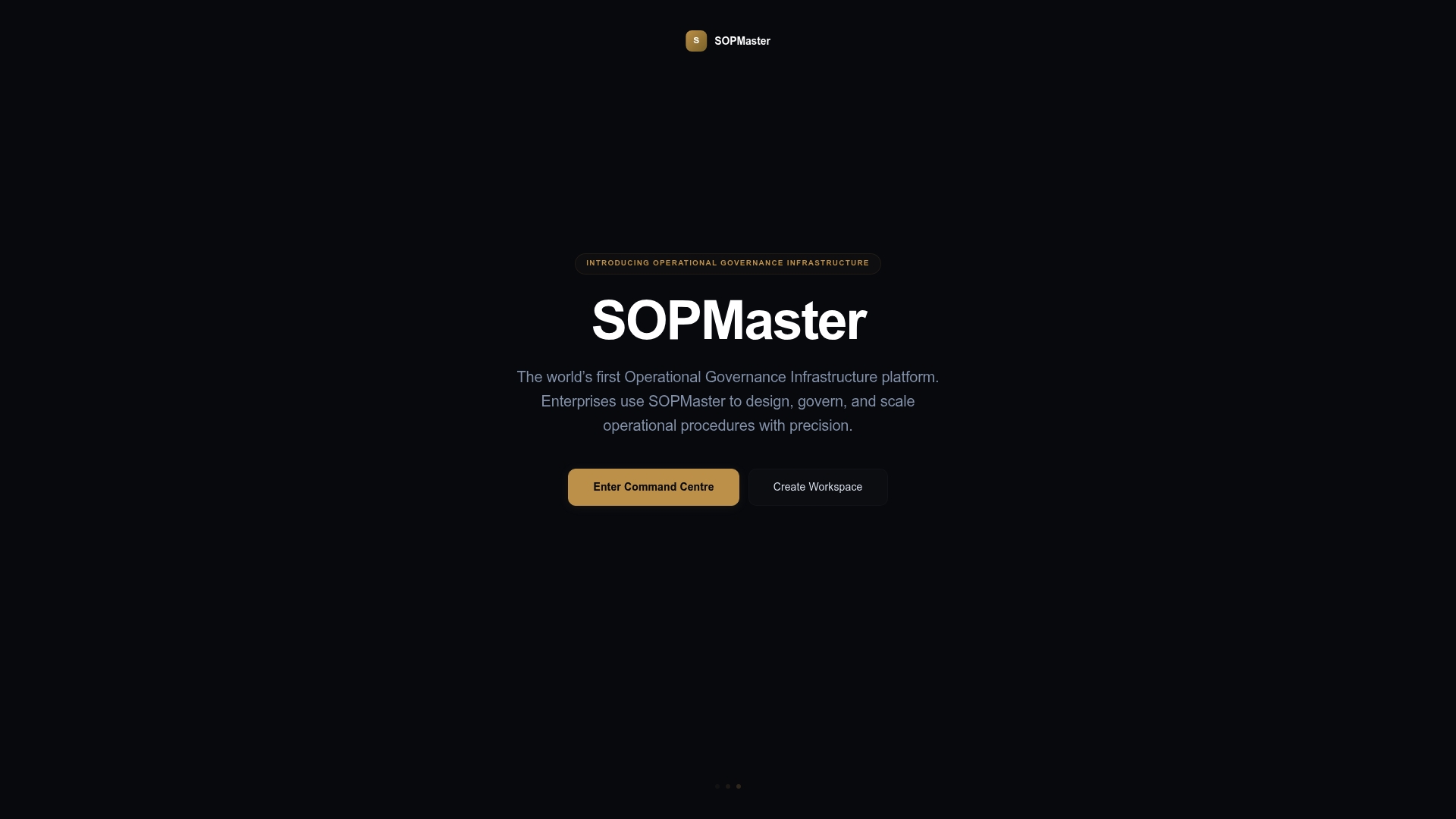
The vendor states the Governance Engine maps compliance across 28 global jurisdictions. SOPMaster groups six core capabilities into a single workflow for documentation, governance, and operational intelligence. The platform targets consultancies and documentation professionals who must produce auditable SOPs and checklists at scale.
Core Features
SOP Forge enables structured SOP creation with embedded governance references, while Checklist Studio builds approval chains and repeatable workflows. Batch Deploy generates complete documentation libraries for entire organizations and Document Vault keeps verifiable archives with version control. The Command Centre provides real time operational intelligence to track document health and governance status.
Key Differentiator
SOPMaster combines compliance mapping with enterprise grade document management and real time operational intelligence specifically for consulting and enterprise delivery. That blend ties regulatory requirements directly into the authoring and deployment flow. For consultancies, this reduces the gap between written procedures and what teams actually follow.
Pros
SOPMaster is built for consulting firms and documentation professionals who need repeatable delivery systems and consistent client work products. The platform adds cryptographic verification and jurisdiction aware governance to standard document management, which helps with auditability and legal defensibility. Its Batch Deploy feature and organization wide library generation let teams convert one-off workflows into reusable systems across clients.
Cons
- May be less suitable for small businesses or solo practitioners who do not need enterprise grade governance or large scale documentation libraries.
Who It's For
Consultancy firms, large enterprises, and documentation professionals aiming to scale and standardize operational procedures will get the most value. Teams that must meet regional regulatory rules and keep auditable change histories will find the feature set aligned to their needs. Solo consultants without an internal compliance burden may find the platform more than they require.
Unique Value Proposition
Batch Deploy creates a full documentation library from engineered SOPs and checklists, turning individual procedures into an organization wide delivery system. That model reduces duplication when you run similar client engagements and makes handoffs simpler. For consulting teams, it turns tribal knowledge into standardized, repeatable work products that travel with each engagement.
Real World Use Case
A management consultancy uses SOPMaster to produce a standardized client onboarding suite. The firm designs the onboarding SOPs in SOP Forge, runs Batch Deploy to create client specific libraries, and stores approved versions in Document Vault. Teams then follow the same approved checklists across jurisdictions to keep delivery consistent and auditable.
Pricing
Pricing is not publicly listed. The product data marks pricing as not applicable and informational only, which suggests enterprise or custom licensing rather than fixed self service tiers. Prospective buyers should contact the vendor for quotes and licensing terms.
Website: https://sopmaster.tech
theCaseWork™
At a Glance
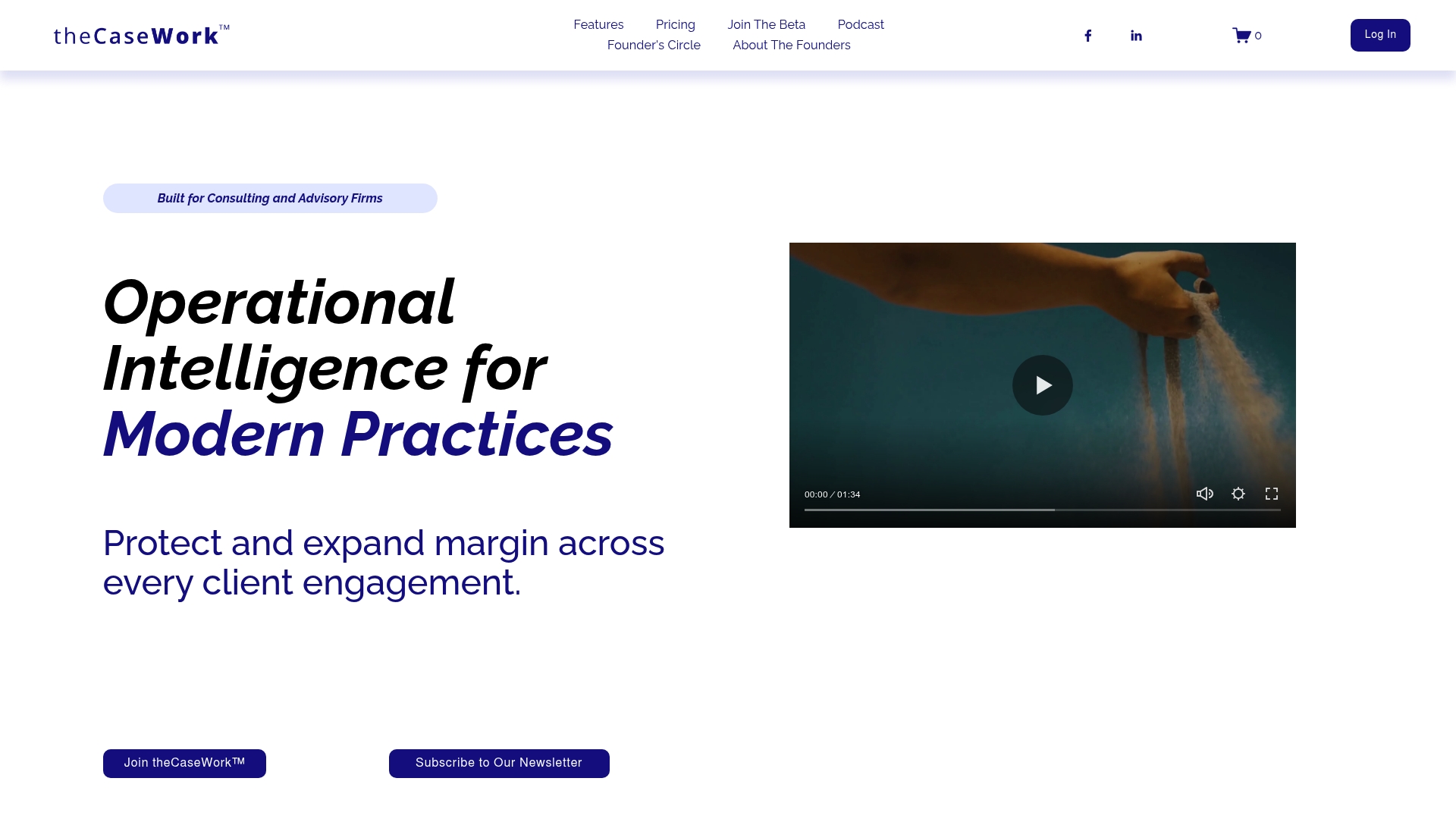
Connects agreements, milestones, tasks, owners, and status into a single system to expose margin leakage and hidden billable work. The platform focuses on giving leadership real time visibility into engagement health. It targets consulting and advisory firms that need clarity across client engagements.
Core Features
The product unifies client and contact records with case management so work lives in one place and context travels with the file. Tasks, events, notes, and documents link directly to cases so deadlines and commitments remain visible. The platform also includes engagement agreements and milestone tracking to keep scopes and billing aligned with delivery.
Key Differentiator
TheCaseWork™ ties scope, milestones, tasks, and billing together in one operational system so teams see where margins leak and why. That single view reduces handoffs and guessing when task ownership or billing triggers change. The vendor positions this linkage as the primary tool for preventing execution chaos in billable engagements.
Pros
TheCaseWork™ centralizes engagement elements so leaders can trace a billing line back to a signed agreement and an assigned owner. That connection helps find unbilled work and reduce scope creep before it erodes margins. Built by practitioners, the product adapts to existing firm habits rather than forcing rigid workflows. Reporting and case context aim to give partners immediate visibility into profit drivers and delivery risk.
Cons
- Third party reviews indicate the product remains in early development, with AI assistance and wider integrations listed as coming soon.
- No public pricing is available, and early adopter rates are expected to change once beta ends.
- Firms that resist structured processes may see limited value without internal change management.
When It May Not Fit
If your firm requires a mature ecosystem of prebuilt integrations today, this platform may not match that need. Small teams with simple project tracking needs may find the structured approach unnecessary. Organizations that cannot commit to a disciplined case model will struggle to capture the promised margin gains.
Who It's For
Mid to large professional service firms that bill time or milestones and want clearer links between scope and revenue. Consulting, advisory, and legal teams that need to make ownership, status, and billing visible will get the most value. The product fits organizations willing to adopt structured delivery practices.
Real World Use Case
A management consulting firm moves scopes, milestones, and billing onto theCaseWork™ and maps owners to each deliverable. Project managers spot tasks that slipped from scope and flag client approvals sooner. That visibility reduces unbilled hours and improves both margin and client satisfaction.
Pricing
No specific pricing is listed publicly. The vendor indicates early adopter pricing during beta and expects rates to be fixed after the beta period. Prospective buyers should plan for a commercial conversation to get exact figures.
Website: https://thecasework.com
KPilot
At a Glance
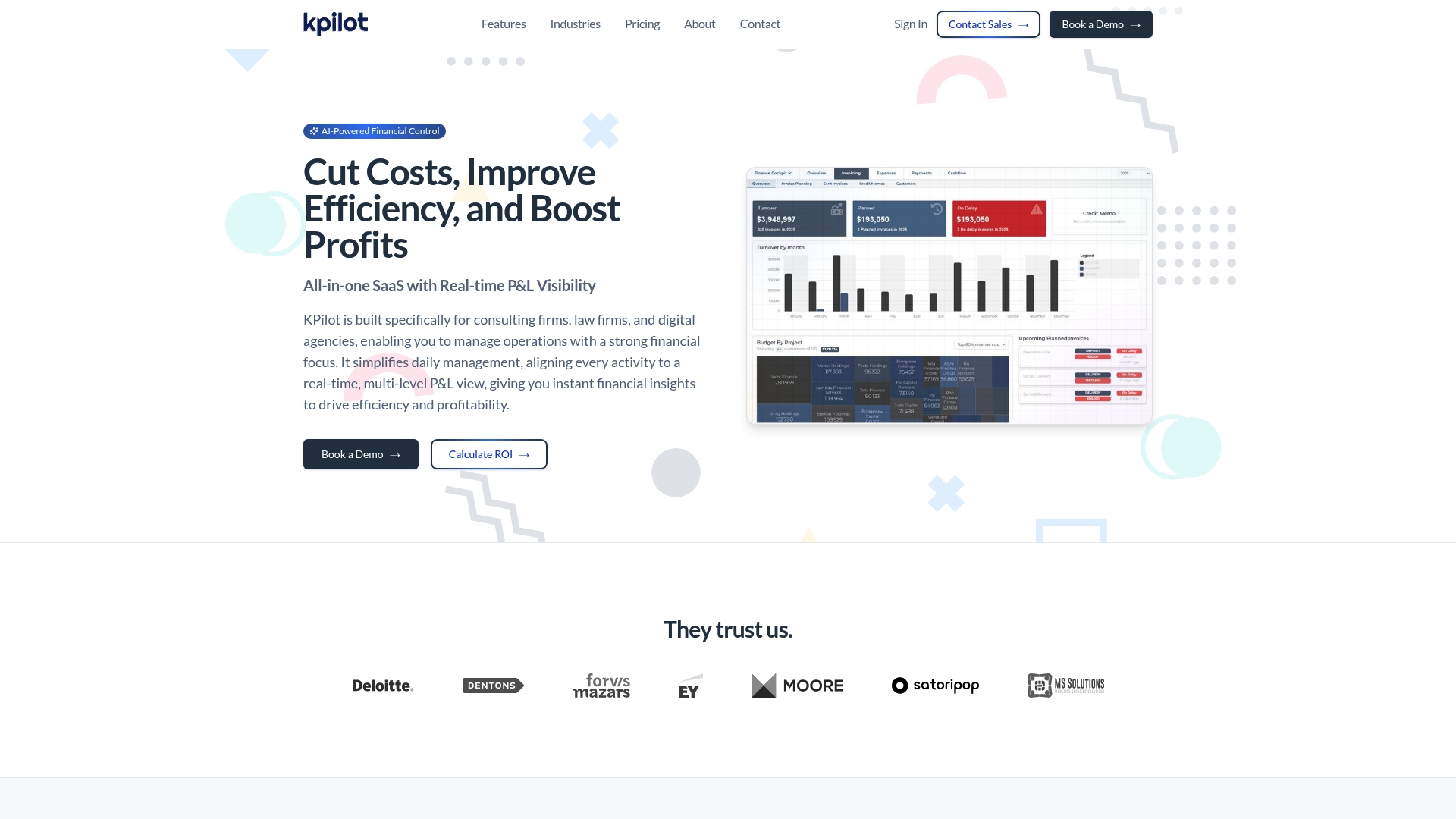
Unlimited users in all plans makes KPilot attractive for growing service teams. The platform centers on real-time multi-level P&L visibility, delivering immediate profit and loss views across projects and departments. KPilot also uses AI agents to automate routine finance and operational tasks, reducing manual overhead.
Core Features
KPilot combines real-time multi-level P&L visibility with resource and project management tools so you can link financial outcomes to workloads and assignments. The platform runs AI agents for task automation and operational intelligence and includes financial risk monitoring plus project risk analysis. KPilot integrates with accounting, CRM, project management, and BI tools to centralize data and reporting.
Key Differentiator
KPilot focuses specifically on service businesses and ties operational controls directly to finance through its multi-level P&L visibility. That connection makes project profitability visible at a glance while AI agents handle routine financial tasks. The result is operational and financial control packaged for consulting, law, and agency workflows.
Pros
The product is tailored to service firms, so workflows and reports match consulting, legal, and agency needs rather than generic project boards. Real-time financial insights let you act on profit signals quickly, and AI agents automate recurring finance tasks to free up staff time. Deep analytics, resource planning, and the fact that all plans include unlimited users support scaling teams without seat-count pressure.
Cons
- Enterprise features like unlimited AI agents and custom development live only in the top-tier plan, which may be costly for smaller organizations.
- Implementation complexity can rise depending on your existing systems and data mappings.
- Buyers must pay attention to security and the data migration process during onboarding.
When It May Not Fit
KPilot may not fit small startups with tight budgets because core enterprise capabilities are gated behind higher tiers. Firms with minimal integration needs could find implementation overhead heavier than the benefit. Organizations that lack internal IT capacity may need external support for setup and migration.
Notable Integrations
- QuickBooks
- Microsoft 365
- Salesforce
- Jira
- Pipedrive
- Power BI
- Sage
- Azure
Who It's For
Mid-sized to large service organizations such as consulting firms, law firms, and digital agencies that need continuous financial control and project profitability visibility. Teams that bill by project or client and want finance and operations connected will get the most value. Groups planning to scale headcount without adding per-seat costs will find the licensing model appealing.
Real World Use Case
A digital agency consolidates project management, client billing, and resource allocation inside KPilot to see live margins by campaign. The agency automates invoice preparation and routine reconciliations with AI agents, trimming monthly close time. Project managers use the P&L views to reassign staff before low margin work expands.
Pricing
KPilot lists a monthly price of $3,330 per month when billed annually and advertises a 10% discount for annual billing. Enterprise solutions and custom pricing are available for larger deployments.
Website: https://kpilot.io
Consultitude
At a Glance
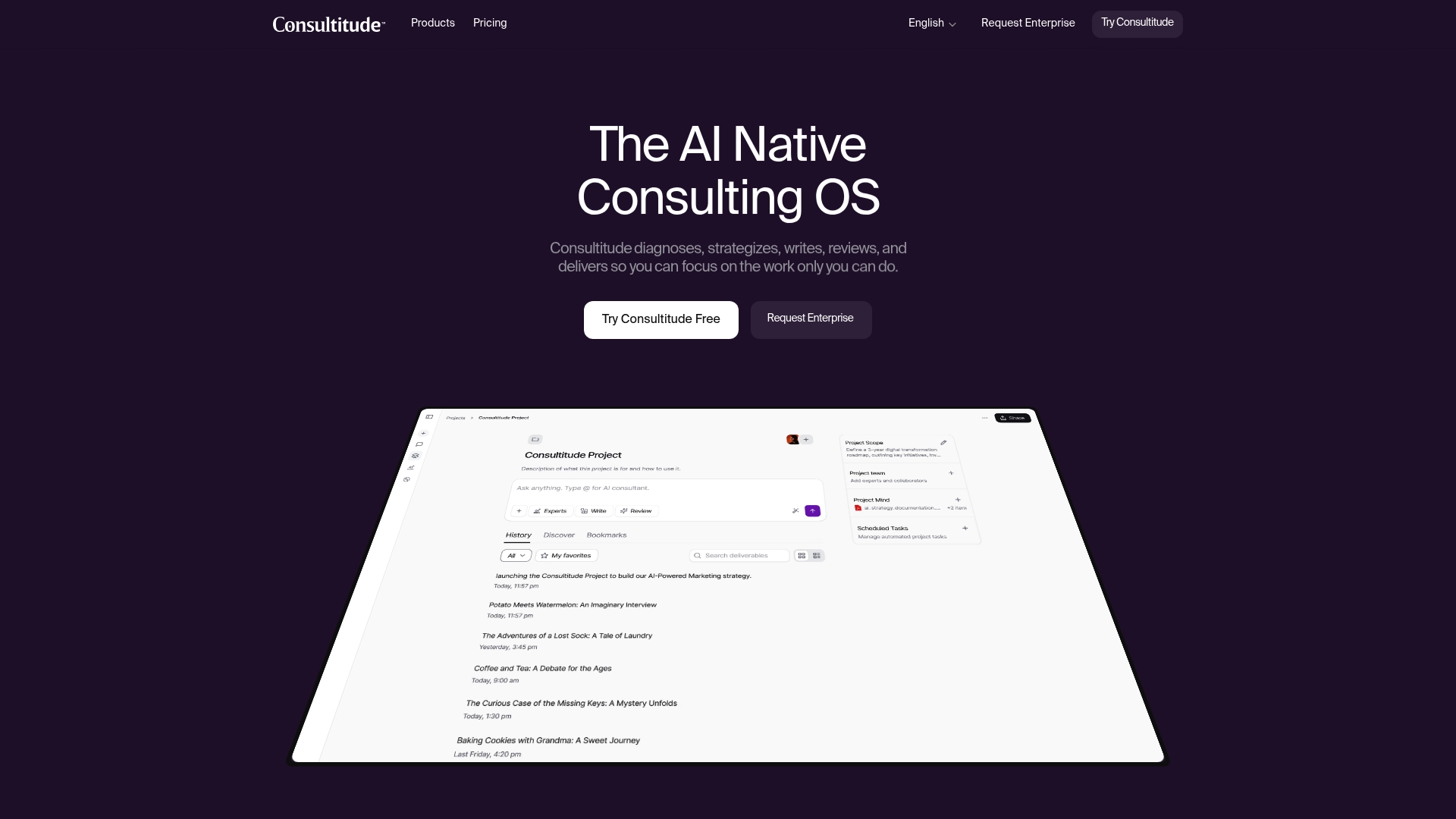
200+ proven strategic frameworks power Consultitude's core reasoning workflows. The platform combines those frameworks with AI modes to produce diagnostics, strategy, and reviewed deliverables. That mix targets enterprise and public sector work that needs compliant controls and repeatable methodology.
Core Features
Consultitude delivers AI-assisted workflows for diagnosis, strategy, writing, and review, and it plans a delivery mode for full engagement execution. The platform exposes multiple engagement modes including Ask, Write, and Review to match different interaction styles. It also includes collaborative export tools and configurable security features such as SSO and data residency.
Key Differentiator
Consultitude pairs a large, curated library of consulting frameworks with adaptive AI reasoning tailored to enterprise and government contexts. That combination aims to reduce the time consultants spend rebuilding approach and structure for each client. The product emphasizes sector and regional knowledge as part of the reasoning layer.
Pros
Consultitude embeds familiar frameworks such as Porter's Five Forces and SWOT into AI-guided workflows, which helps consultants produce structured outputs faster. The platform advertises enterprise security and data controls, making it suitable for sensitive public sector projects. Multiple engagement modes let teams work in a self-service or collaborative review pattern without switching tools.
Cons
-
Third-party reviews raise concerns about AI accuracy and potential overreliance on proprietary frameworks. This can produce recommendations that need human validation.
-
The platform requires proper configuration to meet complex organizational rules. Complex setups will need internal or external consulting effort.
-
The planned Deliver mode is not yet available, limiting end-to-end execution for now.
When It May Not Fit
Organizations that need immediate, full project execution may find Consultitude incomplete until Deliver ships. Teams with lightweight, informal processes will likely overpay for enterprise controls they do not use. Groups that require plug-and-play outputs without configuration may prefer simpler drafting tools.
Notable Integrations
Consultitude supports Single Sign-On workflows with Okta, Azure AD, and Google Workspace. These integrations help align the platform with existing identity and access controls.
Who It's For
Mid and large organizations, government agencies, and consulting teams that need methodical, repeatable strategy work with enterprise security will get the most value. Consultants who embed frameworks into client work will find the repository useful. Smaller shops with minimal compliance needs may not need the full feature set.
Real World Use Case
A government agency used Consultitude to generate a digital transformation roadmap. The team applied built-in frameworks and the platform's compliance controls to keep data within required jurisdictions. The result produced a structured deliverable ready for stakeholder review.
Pricing
Plans start with a monthly subscription beginning at $9.99 for basic access, with higher tiers and enterprise options available for larger deployments. Enterprise pricing includes additional security and configuration support.
Website: https://consultitude.com
Comparison of alternatives
SOPMaster sets itself apart by integrating compliance mapping with document management workflows tailored for large-scale consultancy needs. Alternative platforms competing in the category offer specialized capabilities such as visibility into profit dynamics, strategy-driven reasoning frameworks, or P&L tracking using AI, making each solution suited to varying consultancy requirements.
Compliance and governance strength
SOPMaster excels in compliance mapping across 28 jurisdictions, supported by its Governance Engine, which integrates regulatory requirements directly into documentation workflows. This feature stands out for consultancies operating in multiple regions, as it simplifies adhering to diverse compliance standards. While theCaseWork™ and KPilot focus on capturing engagements or financial outcomes, they lack the in-depth governance capabilities SOPMaster delivers.
Engagement visibility tradeoff
TheCaseWork™ surpasses competitors with its emphasis on providing clear links between milestones, scope, and billing to control margin erosion. SOPMaster and KPilot prioritize operational streamlining through documentation standardization and financial insights, respectively, but theCaseWork™'s structured workflows are for addressing scope creep effectively—a critical aspect for firms heavily managing client contracts and deliverables.
Best fit
- Consultancies requiring compliance-integrated SOP creation and scalable documentation systems like Batch Deploy will find SOPMaster the tool.
- Mid-sized professional service firms prioritizing profitability tracking and engagement visibility should explore theCaseWork™ for its structured linkage of scope and billing.
- Large teams needing advanced financial control tied to operational assignments will benefit from KPilot’s AI-enhanced, multi-level P&L tracking capabilities.
- Organizations conducting strategy-focused reasoning projects will appreciate Consultitude’s curated framework repository and adaptive task-based workflows.
Our pick
SOPMaster emerges as the strongest option for consultancies seeking standardized operational procedure management that meets jurisdiction-specific compliance needs. Features like Batch Deploy and Command Centre empower firms managing large-scale client engagements. Smaller teams or entities without such rigorous documentation needs might prefer the more focused functionality of theCaseWork™ or KPilot.
Operational documentation and governance platforms differ significantly in their features and usage targets, as illustrated by this comparison:
| Product | Core Feature | Key Differentiator | Best For | Notable Limitation |
|---|---|---|---|---|
| SOPMaster | Structured SOP creation and deployment | Combines compliance mapping with real-time operational intelligence | Large enterprises and consultancies | May exceed the needs of solo practitioners or small businesses |
| theCaseWork™ | Unified client, task, and billing management | Links milestones, tasks, and billing into a single operational view | Mid to large professional service firms | Limited current integrations and perceived early development constraints |
| KPilot | Multi-level P&L visibility with AI task automation | Directly ties financial insights and operational controls | Growing service-oriented organizations | Requires higher tiers for enterprise features |
| Consultitude | AI-assisted framework-based strategic diagnostics | Embeds 200+ strategic frameworks into processes | Consulting teams and public sector organizations | Dependent on configuration and validation due to framework reliance |
Choosing the Right Alternative to Smartsheet for Consulting Teams
Consultants and consulting firms face clear challenges when selecting alternatives to Smartsheet that truly support complex client delivery. Many tools document tasks but lack a way to turn those tasks into repeatable systems that scale across clients while staying compliant with sector-specific rules.
Sopmaster meets these needs directly. It converts consulting workflows into consistent, auditable procedures that help reduce client delivery chaos and maintain regulatory compliance. Whether you are part of a large enterprise or a consultancy team aiming to standardize work, Sopmaster provides control over documentation and governance.
Consider how Sopmaster’s Batch Deploy feature transforms individual SOPs into an organization-wide delivery system. Visit Sopmaster to see how consultants produce repeatable client work products that scale smoothly with operational intelligence included. Take a closer look and create scalable documentation libraries built for consulting practices today.
FAQ
What capabilities does Sopmaster provide for compliance mapping?
Sopmaster effectively maps compliance across 28 global jurisdictions. This is achieved through its Governance Engine, which ensures that users can manage and automate their documentation processes while adhering to necessary regulations.
How does Sopmaster compare to TheCaseWork™ for project visibility?
TheCaseWork™ offers excellent real-time visibility into client engagement health by centralizing agreements, milestones, tasks, owners, and status. Sopmaster is more tailored for consulting firms needing extensive documentation control and operational design for scaling repeatable workflows.
Which platform is better for generating SOPs at scale, Sopmaster or KPilot?
Sopmaster excels in generating structured SOPs through its SOP Forge feature, allowing for efficient and standards-compliant documentation creation. KPilot focuses more on project financial visibility and does not primarily cater to SOP generation, making Sopmaster the better fit for this specific use case.
Can I use Sopmaster if my firm has no internal compliance needs?
If your firm lacks internal compliance obligations, Sopmaster might be more advanced than needed for your operations. Its extensive governance features are particularly beneficial for organizations with significant regulatory requirements.
What specific advantages does Sopmaster provide for documentation professionals?
Sopmaster combines cryptographic verification and jurisdiction-aware governance to enhance auditability and legal defensibility. This specialization supports documentation professionals in creating repeatable systems for client projects across various sectors.